DigHoleIt documentation
Documentation version: 0.6.1 · Release notes
DigHoleIt turns part of a Unity Terrain into diggable voxel terrain. You place a Dig Zone over the terrain and bake it. Players can then dig holes, tunnels and caves, add soil back, and paint terrain layers onto the voxel surface. In VRChat, every edit syncs to all players, including late joiners.
What's new in 0.6.1
- Undo and redo now restore chunk objects and meshes correctly after baking, resizing, moving, or creating a chunk through sculpting.
- Hole Overlap extends the zone surface 0.1 m under the terrain edge by default, closing visible seams as terrain detail changes with distance.
- Grass inside zones now matches the terrain's healthy/dry colours, darker roots, wind tint and wind phase; terrain-layer Diffuse Remap is only used with terrain shaders that support it.
- Zero-area triangles at the hole edge are removed before collision meshes are built.
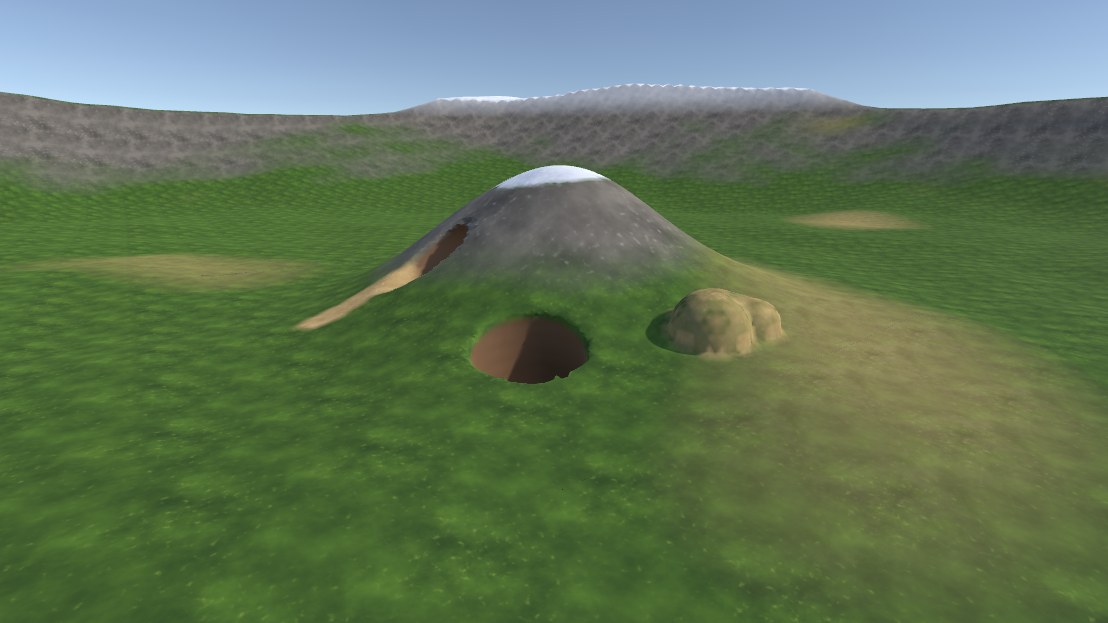
| Dug pit | Tunnel through terrain |
|---|---|
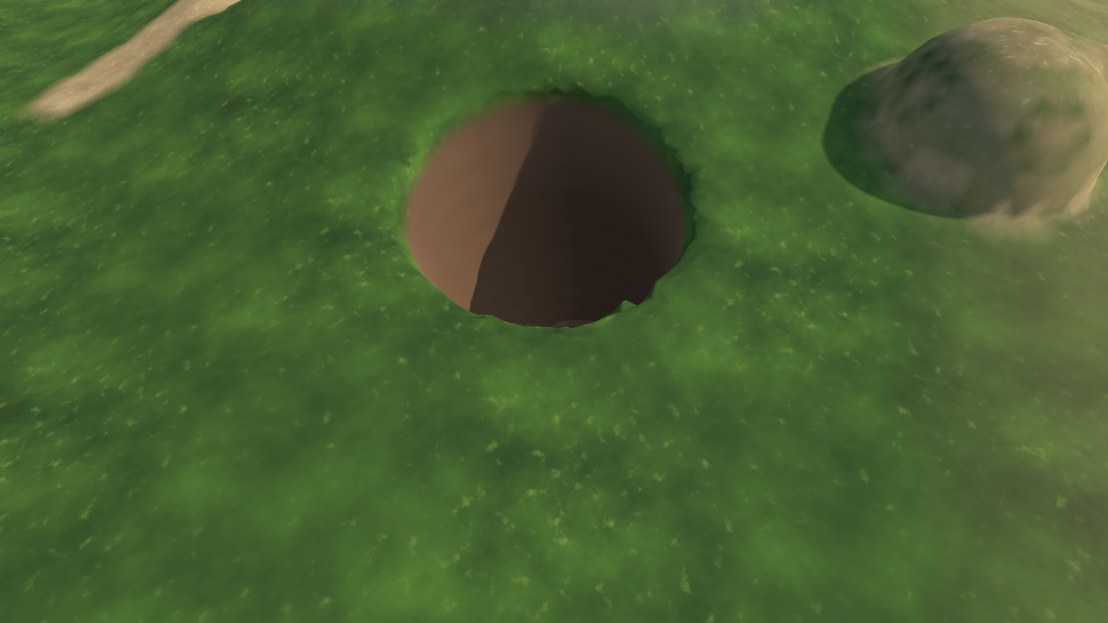 | 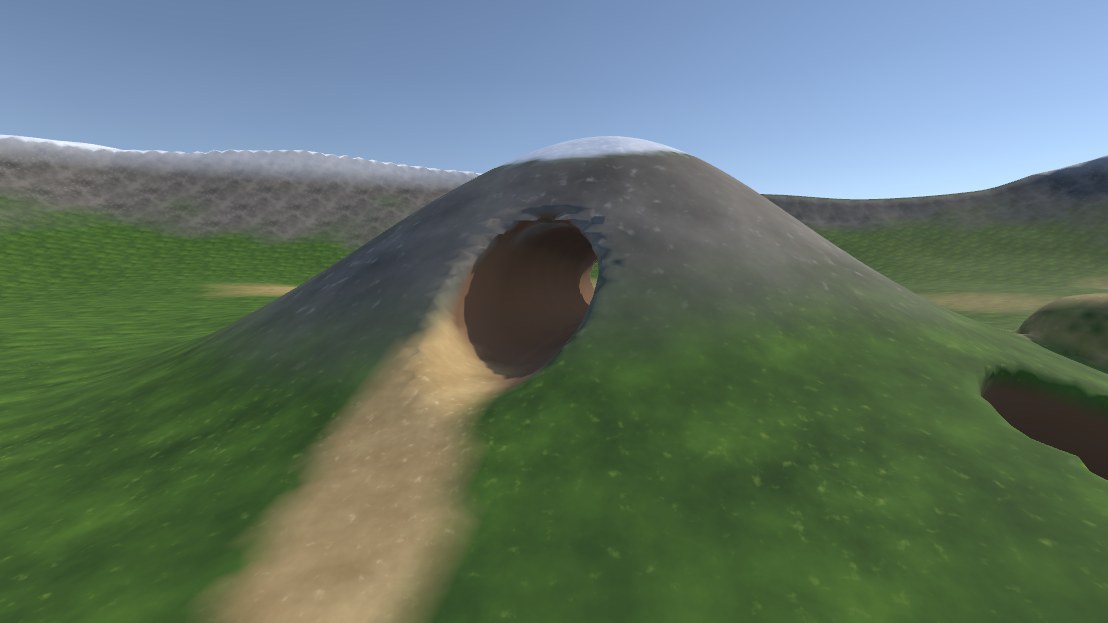 |
| Page | What it covers |
|---|---|
| Getting started | Installing the package, the included example scenes, and setting up a zone on your own terrain |
| Dig Zones | Zone settings, baking, zone height, trees and details, moving and resizing, terrain holes, following terrain edits, terrain layers and baked lighting |
| Editor brushes | Sculpting and painting zones in the editor |
| VRChat runtime | DigZoneRuntime, DigTool and DigSync (UdonSharp) |
| Standalone runtime | DigZoneRuntimeStandalone and DigToolStandalone (plain C#), with saves and multiplayer |
| How it works | Grid format and compression, edit packing, meshing, shading, lighting and networking |
| Performance and limits | Recommended settings for PC and Quest, memory use, and known limits |
| Troubleshooting | Common problems and how to fix them |
Which runtime do I get?
The package detects the project type:
- VRChat project (the VRChat SDK defines
VRC_SDK_VRCSDK3): only the UdonSharp runtime (Runtime/Udon,Editor/Udon) compiles. The standalone runtime and its demo menu are hidden. - Any other project: only the standalone runtime (
Runtime/Standalone) compiles. - To keep the standalone runtime in a VRChat project, add
DIGHOLEIT_STANDALONEunder Project Settings > Player > Scripting Define Symbols.
The authoring side (DigZone, the baker, the brushes) and the shared mesher and brush code (Runtime/Core, Runtime/Shared) are always compiled.
Package layout
Runtime/Core        DigZone (authoring, editor only in builds), DigZoneData, ChunkMesher, DigChunkPacker, DigRleEncoder
Runtime/Shared      DigBrush, DigFormat, DigFoliage, DigRle, SurfaceNets: compiled into both Udon and C#
Runtime/Udon        DigZoneRuntime, DigTool, DigSync (VRChat only)
Runtime/Standalone  DigZoneRuntimeStandalone, DigToolStandalone (non-VRChat only)
Editor              Baker, trees and details (DigFoliageBaker, DigFoliageSync), inspectors, handles, brushes, terrain tools, terrain sync
Editor/Udon         Bridge that copies baked data into the Udon runtime, Udon inspectors, VRChat demo builder
Shaders             DigHoleIt/DigTerrain (Standard), DigHoleIt/DigTerrain Lite (Quest), DigHoleIt/DigDetail (terrain details in zones)
Tests/Editor        EditMode tests
Example             VRChat demo, standalone demo and showcase scenes, each with its own terrain, zone data and materials
Source and support
DigHoleIt is made by LogicCuteGuy. Source, releases and issues: github.com/LogicCuteGuy/DigHoleIt.