Physics, materials and interaction
Documentation version: 0.2.0
These components keep their BlendUdon… names in both project types: UdonSharp in VRChat, native MonoBehaviours without the Worlds SDK. Physics simulation and its networking are separate concerns.
Physics Tab setup
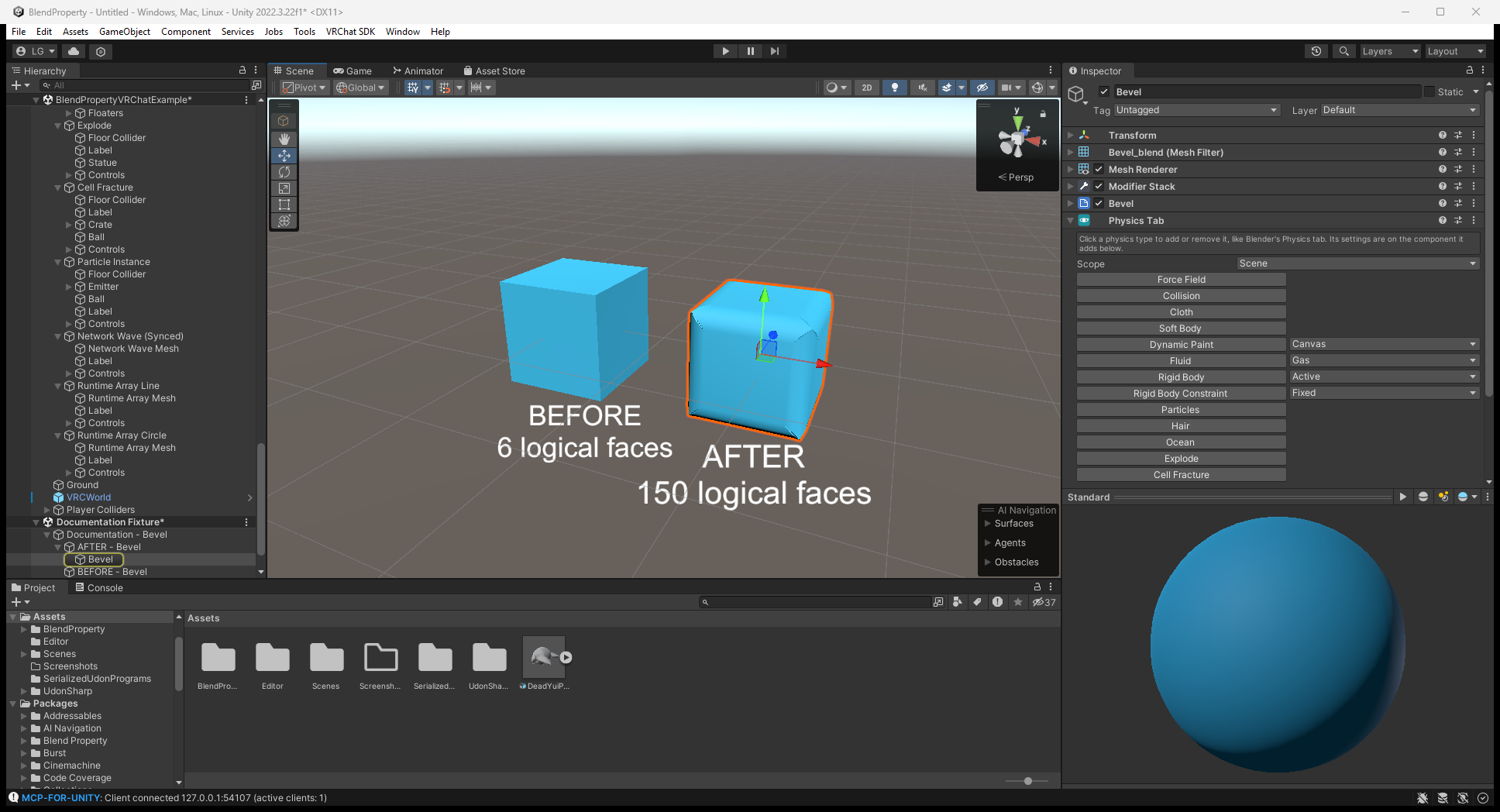
Add Blend Property > Physics > Physics Tab. Choosing a physics type adds/configures its component and performs the relevant bake; switching it off removes it and restores replaced meshes/materials.
Scope > Scene links Physics Tab objects across the scene; Parent limits links to siblings under the same parent. It connects simulation force fields, collisions, brushes and flows. Manually populated components without a Physics Tab are not auto-filled. Rigid Body creates a Rigidbody/collider; Constraint creates a Unity joint whose Connected Body you must assign.
Only one mesh-moving physics feature (Cloth/Soft Body, Dynamic Waves or Explode) can be active per object. Re-bake when the mesh or bake-dependent settings change. Mesh-based cloth, hair and particle emission need readable source data.
The Editor screenshot shows the type buttons and Scope dropdown. Choose the type for your selected object; this setup view is not a running simulation.
Components and bake commands
| Feature | Components and setup |
|---|---|
| Cloth / soft body | BlendUdonCloth; Bake Cloth. Vertex-color red pins vertices; Goal applies when there are no colors. Shape preserves a closed body's rest shape. Re-bake after mesh/pinning/Goal changes |
| Particles | BlendUdonParticles; Bake Particles. Emitter shapes, rate/bursts/Emit(count), forces, collision, lifetime curves and texture sheets. Billboard or Render As Object; rebake capacity/renderer/source changes |
| Hair | BlendUdonHair; Bake Hair after mesh, Number, Segments or Hair Length changes. GPU strands with stiffness, gravity and fields; not a combing/clumping or hair-to-hair collision system |
| Gas/fire/liquid | BlendUdonFluid on a Cube domain + BlendUdonFluidFlow sources; Bake Fluid Domain. Re-bake domain type, resolution, solver/capacity or box proportion changes. Enable Simulate; liquid fills/resets inside a closed domain |
| Paint | BlendUdonDynamicPaint + BlendUdonPaintBrush; Bake Dynamic Paint after mesh/resolution changes. Paint/wetness over the material's texture |
| Waves / dents | BlendUdonDynamicWaves uses Paint Brushes; Bake Dynamic Waves. Waves propagate; Displace holds/recovers dents. Reset with ResetWaves() |
| Fields / collisions | BlendUdonForceField: Force, Wind, Vortex, Turbulence, Drag, Harmonic. BlendUdonCollision sets bounce/friction/kill for supported colliders |
| Ocean / floating bodies | Blend Property/Ocean on a subdivided plane + BlendUdonBuoyancy and its Rigidbody list. Floating skips kinematic/remote-owned bodies; not a full fluid domain |
| Face explosion | BlendUdonExplode; Bake Explode / Unbake. Explode() and ResetExplode() drive shader faces |
| Cell fracture | BlendUdonFracture; Bake Fracture / Unbake. Voronoi pieces with convex MeshColliders/Rigidbodies; Break() or impact, ResetFracture() to restore |
Cloth/hair/particles accept Sphere, Capsule and Box colliders, with feature-specific limits (up to eight of each). Fluid effectors are Sphere colliders. Do not assume a convex MeshCollider used by fracture/rigid bodies is a GPU simulation collider.
Cloth setup and local result
Select Runtime Example/Cloth/Cloth Mesh in the VRChat example. In the Editor, inspect the pinning/Goal, gravity and collider list, then use Bake Cloth after changing bake-dependent settings. Enable Simulate for the local run.
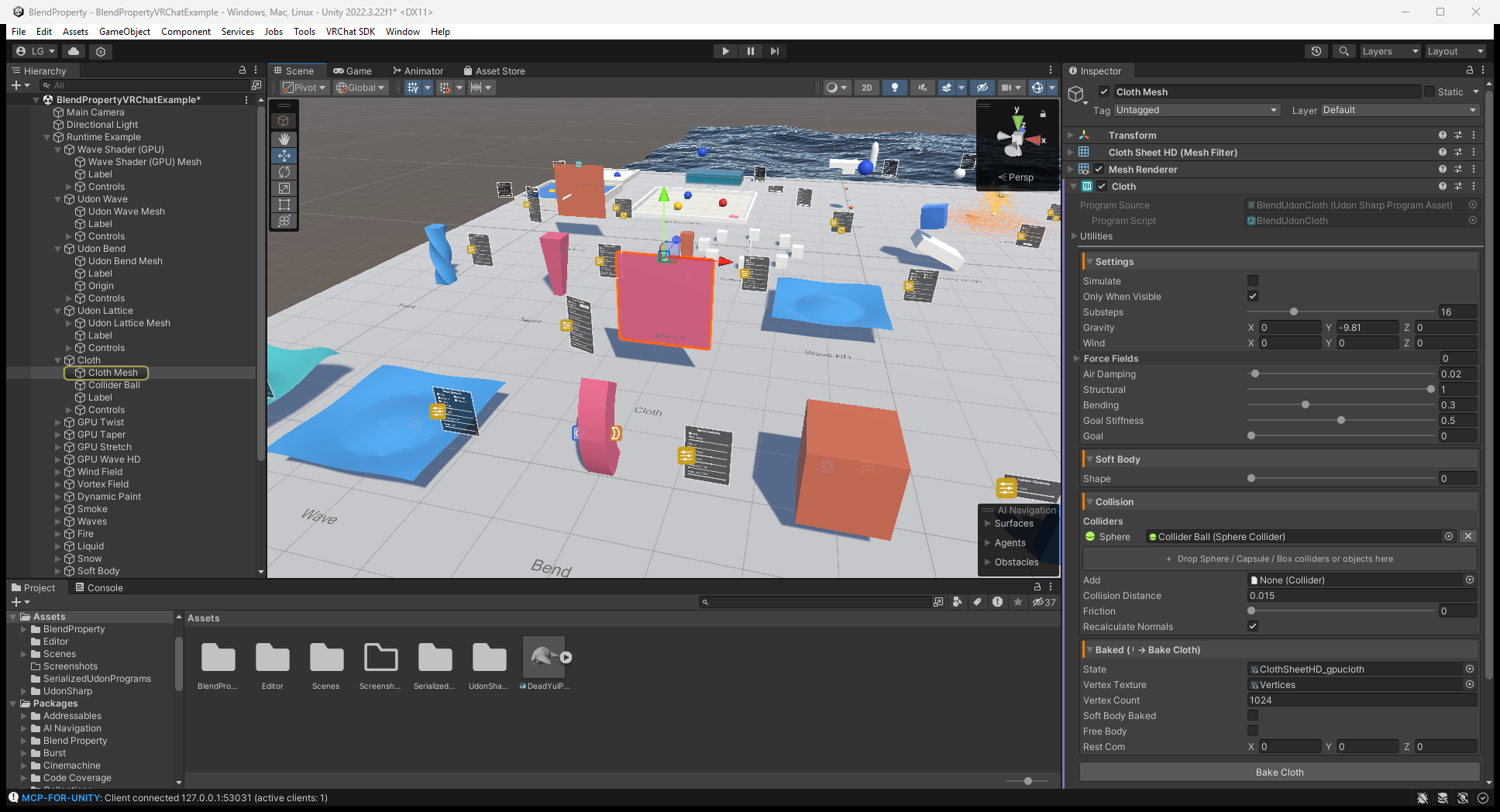
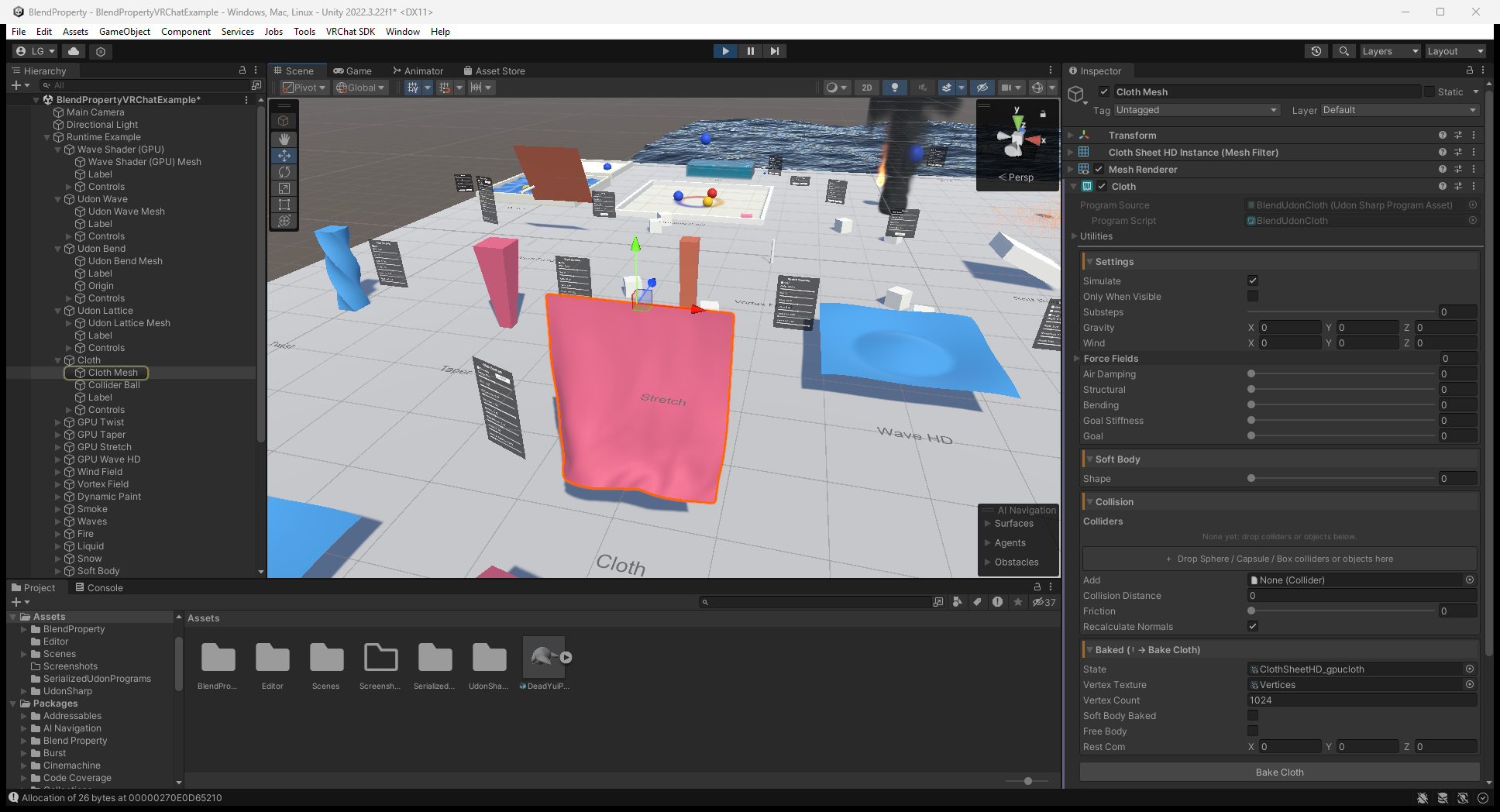
The upstream ClientSim frame below shows the cloth surface during local Play Mode. Read configuration from the Editor setup above, not the runtime Inspector values. A still image does not validate motion over time, multiplayer or Quest performance.
Paint input and UVs
Use non-overlapping UVs inside 0..1; overlapping islands share paint. Dynamic Waves also needs enough vertices for its resolution; excessive resolution can show spikes. A paint canvas accepts up to 8 active brushes.
Brush/Pen/Airbrush/Stamp support hardness, flow, opacity, pressure, erasing and optional tip images. Pressure comes from your input, not automatic tablet detection. Tip uses local Z toward the surface; it is proximity painting and can reach nearby backfaces. There are no paint layers, vector paths, undo history or image export.
In standalone, wire OnPickupUseDown() / OnPickupUseUp() or useHeld for Require Use. Turn Require Use off for continuous drawing, or use _StartDrawing() / _StopDrawing() for UI control. No pickup system is installed.
What is actually synchronized?
| Mechanism | VRChat behavior |
|---|---|
BlendUdonSyncedPanel | Shares control values with late joiners; wire controls to Changed, not directly to panel Apply |
BlendUdonNetworkEvent | Sends a named action to current clients; not a persistent event history for late joiners |
| Explode with Networked on | Source stores an explosion timestamp/reset state for late joiners |
| Fracture with Networked on | Source stores the broken/reset flag. Piece transforms/velocities are not replicated; clients simulate them independently |
| GPU cloth, particles, hair, fluid, paint and waves | Local simulation state, not a replicated late-join snapshot |
| Example pickups / Reset Objects | VRC Object Sync shares pickup transform/physics with owner-driven motion. Reset Objects respawns synced targets for everyone; unsynced targets reset locally |
Standalone Synced Panel/Network Event act locally. BlendUdonPlayerColliders creates VRChat player-body colliders; standalone accepts Humanoid Avatars, optional Viewpoint for camera/XR, and RegisterPlayer(Animator) / UnregisterPlayer(Animator). A viewpoint alone supplies a head collider, not automatic multiplayer player discovery.
Materials, hardware and troubleshooting
- Baked modifiers, live GPU deformation, cloth, waves and fracture keep mesh/material workflows. Dynamic Paint composites over Texture Property (default
_MainTex). - Explode keeps a custom shader only with
BlendExplode.cginc; otherwise the bake uses a Blend Explode material with copied appearance. Wave/Ocean/Object particles have their own include-based integration. - Hair, billboard particles, Smoke and Liquid need the supplied specialized shaders. Locked/custom shaders may require editing; supplied rendering shaders target Built-in, not a general URP/HDRP guarantee.
- GPU simulations require compatible render textures/readback. Mesh readback can lag one or two frames. Verify target hardware, especially Quest; this documentation update does not test it.
- Nothing moves: check Simulate, bake data, source Read/Write, visible fluid domain and graphics support. Wrong links: review Scope and manually assigned lists. Wrong remote result: distinguish shared controls from local simulation state.
See the illustrated workflow and full component guide.
Upgrading panels and example assets to 0.2.0
- Refresh the VPM listing and update Blend Property, or use the tagged Git/ZIP release. Keep each Udon script and its paired program
.assettogether; 0.2.0 updates both panel source and serialized sync mode. BlendUdonPanelandBlendUdonClothPaneluse NoVariableSync, not None. They remain local control helpers: this change does not itself synchronize slider values.- Add
BlendUdonSyncedPanel(Manual) alongside the local panel and assign its Panel reference. Wire Toggle/Slider On Value Changed to its Changed event rather than the local panel's Apply. Use backing UdonBehaviour SendCustomEvent for VRChat UI. - The packaged Bend, Lattice, Stretch, Taper, Twist, Wave and WaveHD
*_gpudeform.assetfiles now point their Bounds/Deform materials atBlendDeformStackGPU.shader. If you copied old examples into Assets, compare/update those copied assets and scene too; a package update does not replace your copies. Use the current bake/build workflow for customized copies rather than editing shader GUIDs by hand.
If synchronized controls or the demo deformation still fail after updating, check for old copied program/texture assets before changing unrelated simulation settings. This release does not turn local GPU simulation state into a shared snapshot.